TL;DR:
B2B email list segmentation splits your contact database into smaller groups that share traits like industry, company size, job function, region, tech stack, lifecycle stage, or buying intent. Each group then gets a message written for it.
- Segmented campaigns win. Mailchimp's study of 11,000 campaigns found 14.31% higher opens and 100.95% higher clicks versus unsegmented sends.
- B2B needs two layers. Segment the account, then segment the people inside the buying committee.
- Segmentation protects your domain. Gmail wants user-reported spam below 0.1%, and never at 0.3% or higher.
- Four to six segments beat forty. Volume per segment matters more than segment count.
- Segments rot. A filter is only as fresh as the job titles and emails sitting under it.
B2B email list segmentation is the first thing to fix when a campaign flops. Not the subject line.
The pattern looks the same everywhere. One list of 40,000 contacts. One email. A reply rate under 2%, and a spam complaint graph that spikes on Tuesday.
So the team rewrites the subject line. Someone swaps the CTA. Someone else moves the send window to 7am. Numbers barely move.
And the cost compounds. Every generic blast trains Gmail to trust you less, which means your next campaign starts from a worse position. Bad segmentation doesn't just waste one send. It taxes every send after it.
The fix sits one layer below the copy, in how the list got split before anyone opened a doc. Do that part well and you lift replies while protecting the domain you send from.
What Is B2B Email List Segmentation?
B2B email list segmentation divides a business contact database into targeted groups that share traits. Each group then receives messaging built around what that group cares about.
That definition covers B2C too. The B2B version has a second layer consumer advice skips.
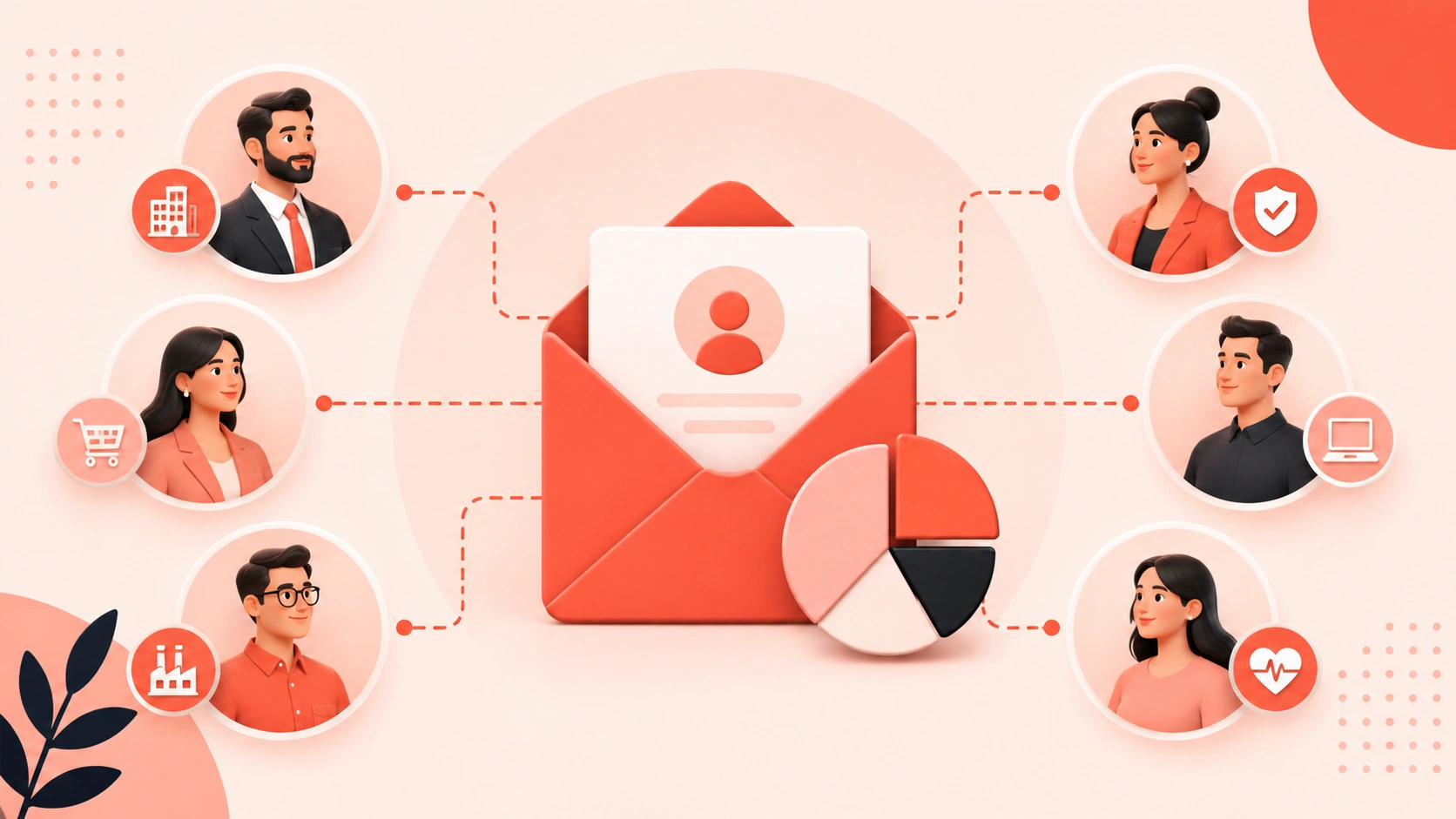
You segment the account. Then you segment the people inside it.
Picture a 900-person manufacturer evaluating a security platform. Seven people there read your emails:
- The CISO wants risk reduction.
- The IT director wants rollout effort.
- Procurement wants renewal terms.
- The CFO wants the number.
Same account. Same industry filter. Same headcount bucket. Four different emails.
Mapping the members of a B2B buying group is what separates real segmentation from a spreadsheet filter. Skip the person layer and you write to an average buyer who does not exist.
Why B2B Email Segmentation Protects Your Sender Reputation
Something changed in 2024. Mailbox providers started publishing hard numbers.
Google's guidance tells bulk senders to keep user-reported spam below 0.1% and never let it reach 0.3% or higher. Cross that line and you lose access to mitigation until the rate stays clean for seven days. Yahoo runs a similar threshold.
Run the math on a blast:
120 complaints out of 40,000 sends. That is three people in a thousand. A badly filtered export gets you there in one afternoon.
Segmentation cuts complaints at the source. Someone who gets an email about a problem they own does not reach for the spam button. They ignore it, or they reply. Both beat a complaint.
Replies also register as a positive signal with Gmail and Outlook. So a tight segment does two jobs at once:
- It earns more replies.
- It lowers the complaint rate that decides where your next send lands.
Mailchimp's research backs the second half. Their analysis found segmented sends produce lower bounce rates and 9.37% fewer unsubscribes. Both feed sender reputation.
What to do: Pull your spam complaint rate from Google Postmaster Tools and check it per segment, not per send. One bad segment poisons the domain for every campaign you run that month.
A pass through decent email verification tools before launch removes the bounce risk sitting on top of all this.
7 B2B Email List Segmentation Strategies
Pick two or three to start. Stacking all seven on day one leaves you with segments too small to learn from.
1. Firmographics: Industry, Size, Revenue, Growth Stage
The default split, and still the useful one. A 40-person agency and a 12,000-person bank share no budget cycle, no procurement process, and no reason to reply to the same email.
Buckets that work:
- 1 to 50 employees
- 51 to 500 employees
- 501 to 5,000 employees
- 5,000+ employees
Revenue bands and funding stage layer on top. Firmographic data in sales prospecting is the cheapest segmentation input you will find, because it rarely shifts month to month.
Industry needs care though. "Technology" is not a segment. "Healthcare SaaS under 200 employees" is a segment you can write one email for.
2. Job Function and Seniority (Not Job Title)
Title strings are chaos. Head of Revenue Operations, RevOps Manager, Director of Sales Ops, and Business Systems Lead all sit in the same chair.
Segment on function and level instead:
- Function tells you what they care about.
- Level tells you how you talk about money.
A VP hears business impact. A manager hears the work involved in switching. Both need a message that matches how the buyer persona you built really spends a Tuesday.
Normalize titles into functions once, inside the CRM. Every downstream segment then inherits that cleanup for free.
3. Technology Stack
If you integrate with Salesforce and your reader runs HubSpot, the integration email is noise.
If they run a competing tool with a renewal three months out? That is the sharpest segment on your list.
Technographic segmentation for B2B teams lets you name the exact stack someone stares at all day. SMARTe tracks 64K+ technographic products, which covers replacement plays, complementary adoptions, and budget signals in a single filter.
4. Region, Language, and Sending Law
Time zone alone justifies this split. So does law.
- US lists run under the CAN-SPAM Act rules for B2B email.
- EU lists need GDPR-grade consent handling.
- Canadian lists add CASL on top.
One region-blind blast is a compliance problem waiting for a complaint.
Language matters more than teams outside North America admit. LATAM and APAC lists convert on local-language subject lines at rates that surprise people the first time they run the test.
5. Lifecycle Stage
Five groups, five reasons to open:
- Cold prospect
- Engaged lead
- Active opportunity
- Current customer
- Churned customer
Churned is the one people skip. Those contacts know your product. They left for a reason you can name. A win-back segment with honest messaging outperforms a cold segment many times over, and almost nobody builds it.
Tie the stage to lead scoring across the funnel so it updates itself instead of waiting for a quarterly cleanup.
6. Engagement Behavior
Opens got shaky after Apple Mail Privacy Protection. Clicks and replies did not.
Build three buckets:
- Active: clicked or replied in 90 days
- Passive: opened only
- Dormant: silent for 180 days
Send your best campaigns to the first group. Send a short re-permission email to the third, then suppress whoever ignores it.
That suppression step is the fastest way to cut a spam complaint rate. Nobody enjoys deleting 8,000 records. Do it anyway.
7. Buying Intent
This one changes the timing of everything else. Intent tells you which accounts research your category right now, before anyone fills in a form.
SMARTe has Bombora intent built in natively, alongside funding events, leadership changes, and headcount growth. An account surging on your category topics belongs in a faster, shorter sequence than the same account did last month.
Teams running intent data in B2B marketing stop guessing at send timing and start reacting to it.
How to Build Your First B2B Email Segments in 5 Days
Forget the taxonomy. Build three or four segments, run them a month, then expand.
- Day 1: Audit your fields. Count how many records carry industry, employee count, country, and a normalized function. Any field below 60% coverage cannot support a segment yet.
- Day 2: Set the account layer. Two firmographic filters, no more. Industry and size usually do it. Pull them from your ideal customer profile in sales.
- Day 3: Set the person layer. Two or three functions maximum. Economic buyer, technical evaluator, end user.
- Day 4: Cross the layers. You now hold four to six live segments. That is enough.
- Day 5: Write one email per segment. Not one email with five variables swapped.
Variable-swapping produces the same generic email wearing a name tag. It is the failure mode behind bad cold email personalization.
Run it four weeks. Compare reply rate per segment. Kill whatever loses to your blast baseline. Split whatever beats it.
5 B2B Email Segmentation Mistakes That Kill Campaigns
- Over-segmenting before you have volume: A segment of 40 contacts produces noise, not data. You need enough sends to tell a real lift from a lucky Tuesday. My rough floor is 250 contacts per segment before a result means anything.
- Building static segments: A list filter run once in January is a snapshot, not a segment. People change jobs. Companies get acquired. Headcounts double. A filter that never re-runs degrades a little every week.
- Segmenting on fields you never verify: Your filter reads job title and company name. If those fields are two years old, the segment is two years old. No amount of copy fixes that.
- Hiding segment logic from sales: If your segment rules live in the email platform and never sync to the CRM, sales works a different reality than marketing. Every ABM campaign that falls apart I have read about broke at this exact seam.
- Treating suppression as optional: Unengaged contacts do more than fail to convert. They drag sender reputation down for everyone else on the list.
(One caveat on the first point. If you sell into a small, high-value market, 40 contacts might be the whole segment. A manual, human-written approach beats any automated split there. The 250 floor applies to volume plays only.)
Why B2B Email Segments Decay (And How to Fix the Data Under Them)
Here is the part nobody puts in a segmentation guide. I think it explains why so many of these projects stall after one quarter.
A segment is a filter. A filter reads fields. Fields rot.
B2B data decay runs roughly 20 to 30% a year on contact records, and it hits the exact fields segmentation depends on:
- Job title
- Company
- Email address
- Direct phone
Your "VP of Marketing at a 500-person SaaS company" segment slowly fills with people who left or got promoted. Others moved somewhere the filter no longer matches.
Nothing in the email platform flags this. Open rates just sag, quarter after quarter, and everyone blames creative fatigue.
Three fixes, in order of payoff:
1. Refresh records on a schedule, not during a crisis.Monthly for active segments, quarterly for the rest. CRM data enrichment at scale handles this without anyone touching a CSV. SMARTe hits 90%+ match rates on enrichment runs.
2. Read job changes as a signal, not an error.When a champion moves, that is a new account to open. Teams that track job changes across their database turn decay into pipeline.
3. Verify at the point of send.SMARTe runs real-time verification instead of shipping a static file. The check happens when you pull the record, not when someone built the database.
That matters across 289M+ verified contacts and 66M+ company profiles. It matters more outside North America, where coverage gaps wreck regional segments before anyone notices. 50%+ global direct dial coverage across 200+ countries is the difference between an EMEA segment that works and one that half bounces.
Still buying flat files? Compare how B2B email list providers differ before your next renewal. A file you cannot re-verify is a segment with an expiry date.
How to Measure B2B Email Segmentation Performance
Track these per segment, never as a list average. A list average hides the one group doing all the damage.
If I could report one metric, it would be reply rate per 1,000 sends. It survives Apple's privacy changes. It maps to pipeline. And it punishes volume-for-the-sake-of-volume in a way open rate never did.
Run each segment against your unsegmented baseline for a full quarter before declaring anything. Email results are noisier than people expect, and one strong week proves nothing.
Broader B2B email marketing benchmarks give you a sanity check on whether your numbers came from the segment or from your industry.
The Point of All This
Segmentation gets sold as a growth tactic. I think that undersells it.
Every segment you build is a statement about who you help and why. A team with four sharp segments knows its market. A team blasting one list to 40,000 people is guessing, and paying for that guess in domain reputation.
The teams winning outbound right now are not sending more. They send to fewer people who own the problem. And they send to records verified the week of the send, not the year of the purchase.
See how SMARTe finds verified emails and mobile numbers inside your target accounts.