TL;DR:
What is Clay Data Enrichment?
Clay data enrichment is a tool that connects over 150 data sources into one spreadsheet. It automatically finds missing emails, direct phone numbers, and company details across multiple vendors at the same time.
- How It Works: Clay uses waterfall logic. It checks your data providers one by one until it finds verified contact info.
- Main Features: Clay combines a flexible spreadsheet, instant CRM sync, and AI web search to research prospects.
- Pricing: Clay uses two costs: Actions for workflow steps and Data Credits for contact details.
- SMARTe Integration: Putting SMARTe first in Clay gives you verified mobile numbers and full GDPR compliance. It also saves your credits.
- Pros and Cons: Clay offers high match rates and strong automation. However, it takes time to learn and needs careful credit tracking.
- The Verdict: Clay is best for technical sales teams. If you want a simpler tool, try Apollo instead.
Sales teams do not struggle to find contact data. They struggle to manage it.
You probably pay for several different data tools. You buy emails from one vendor. You buy mobile numbers from another. You pay a third vendor for intent signals. This setup leaves your CRM full of duplicate records and outdated contacts.
Using Clay data enrichment fixes this problem.
Clay is not a standard contact database. It is a programmable spreadsheet. It connects over 150 different data vendors into one automated workflow.
If you want to use Clay, you need to know how it pulls data. You also need to understand the new 2026 pricing model so you do not waste your budget. This guide shows you exactly how to build a highly efficient workflow.
What is Clay Data Enrichment?
Clay is a tool that automatically fills in the missing details on your prospect lists.
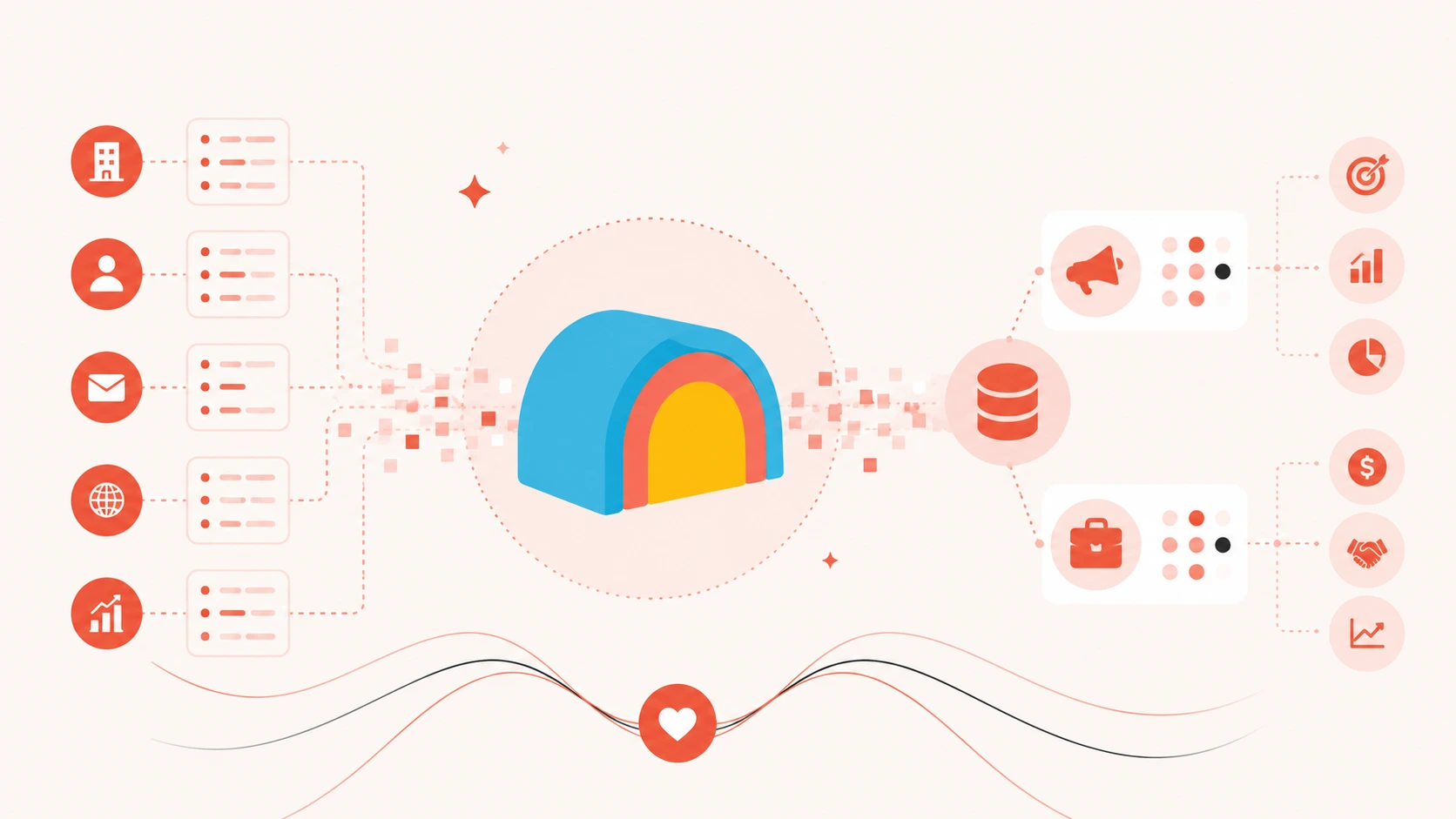
Instead of searching a single database, Clay acts as a central hub. You upload a basic list of leads. You can use a CSV file or a HubSpot list. Clay then queries dozens of third-party vendors at the exact same time. It finds missing job titles, verified emails, and technographic data. Finally, it pushes that complete profile directly into your CRM.
If you want to master B2B data enrichment, Clay is currently the most advanced orchestration tool on the market.
How Clay Works (The 3 Core Mechanics)
To use Clay properly, you must understand three core mechanics.
1. The Programmable Spreadsheet
Clay looks and acts like a Google Sheet. Every row is a contact or a company. Every column is a data point. When you type in a company name, you can click a button to add a new column. This new column can automatically scrape the company's LinkedIn page, add their industry, and pull their employee count.
2. Waterfall Logic
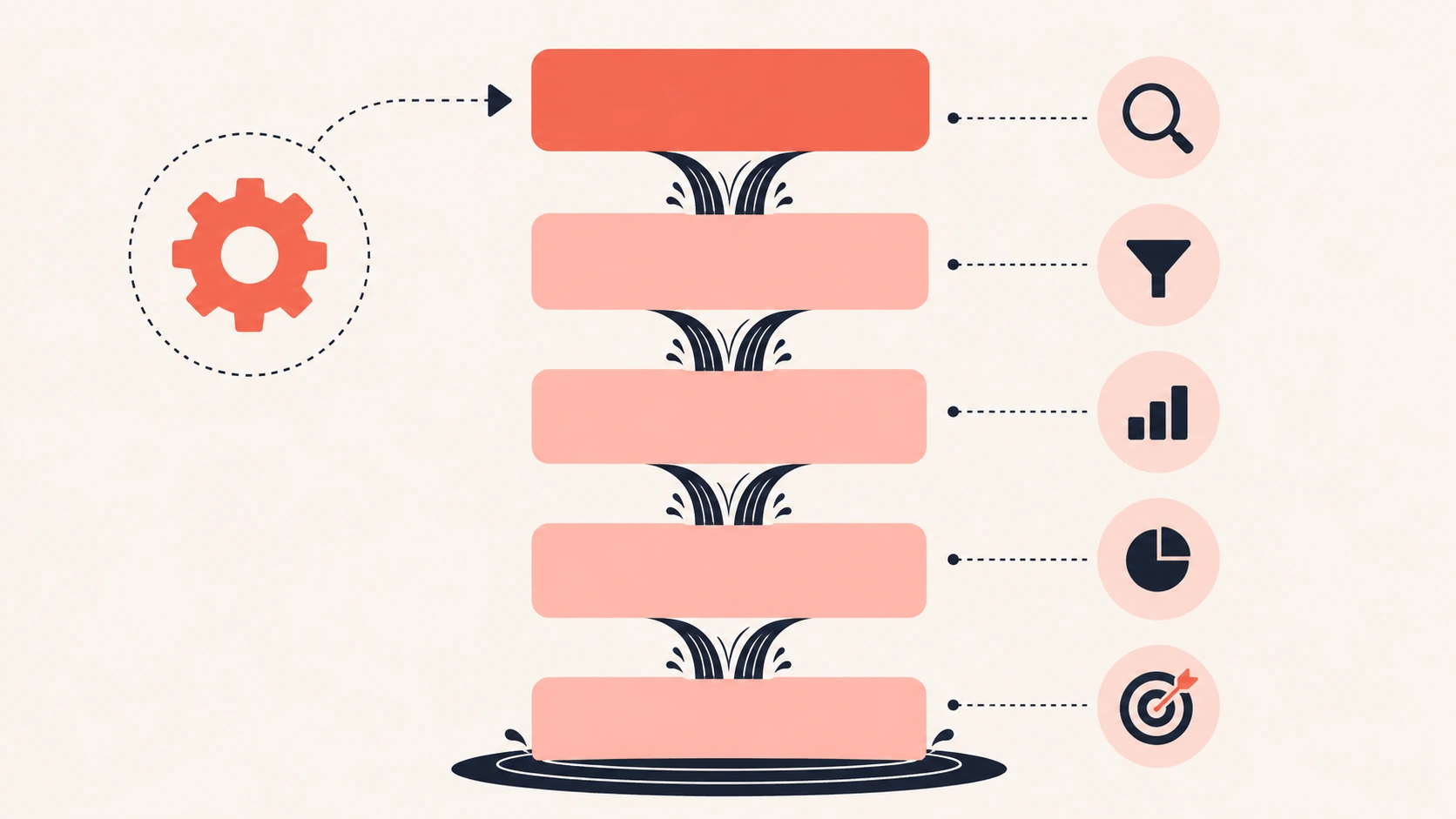
The feature that makes Clay famous is Waterfall enrichment.
In a normal workflow, if your primary data provider cannot find an email address, you hit a dead end. In Clay, you build a "waterfall" of providers. You put them in a specific sequence.
- Clay checks your first preferred provider.
- If that provider has the data, Clay logs it and stops.
- If that provider fails, Clay automatically asks the second provider on your list.
- It continues down the list until it finds the missing data.
You do not pay for failed lookups. You only pay when Clay actually finds the data. This setup guarantees you get the highest possible match rates.
3. AI Research (Claygent)
Clay features an AI web scraper called Claygent. This tool is exactly how you do AI data enrichment at scale.
You can prompt Claygent to visit a prospect's website. It can read their latest financial report. It can summarize their top three company goals for the year. This data is then formatted into a column. Your sales reps can use this unique data to write highly personalized cold emails.
Teams looking to use Claude for lead enrichment can even plug their API keys directly into Clay for advanced text generation.
The 2026 Pricing: Credits vs. Actions
Clay overhauled its pricing model in March 2026. The new system confuses many new users. Clay now uses a dual-meter billing system. They charge for Data Credits and Actions separately.
- Actions: You spend one Action for every step in your workflow. If your workflow has five steps, running it on 1,000 records costs 5,000 Actions.
- Data Credits: You spend Data Credits to buy the actual contact data from third-party vendors.
Here are the current 2026 baseline plans:
- Free Plan: $0/month. Includes 500 Actions and 100 Data Credits. This is strictly for testing.
- Launch Plan: $185/month. Includes 15,000 Actions and 2,500 Data Credits. Note: This plan does not include native CRM syncing.
- Growth Plan: $495/month. Includes 40,000 Actions and 6,000 Data Credits. This tier unlocks automatic CRM integrations (HubSpot, Salesforce).
- Enterprise: Custom pricing based on volume (often scaling upwards of $30,000 annually for large teams).
You must budget for both pools carefully. A common mistake is running out of Data Credits quickly because a single premium lookup can cost 10 to 25 credits.
Also read: Zoominfo enrichment to see how traditional databases compare to orchestration platforms
Real User Feedback
Clay holds a 4.7 out of 5 rating on major software review sites. If you read a recent Clay review, a clear pattern emerges.
The Pros:Users love the absolute flexibility. Revenue Operations managers love that they can connect 150 different tools. They can build custom workflows that actually fit their sales cycle. The waterfall logic significantly reduces missing data and email bounces.
The Cons:The biggest complaint is the steep learning curve. Non-technical users often feel overwhelmed. Clay requires constant workflow maintenance. Also, if you do not set up your filters correctly, you can burn through your monthly Data Credits in a single afternoon.
How to Build a Winning Workflow
Do not upload a raw list of 10,000 contacts and simply hit "enrich." Follow these four steps to build a smart, cost-effective workflow.
Step 1: Filter Before You Enrich
Because 30% of B2B data decays every year, enriching a raw list wastes money. Apply filters first. Only trigger the enrichment step if the company fits your ideal customer profile perfectly.
Step 2: Set Your Waterfall Priorities
Do not put the cheapest provider at the top of your waterfall. Put the most accurate provider first. If you buy cheap data, your sales reps will waste time calling disconnected numbers.
Step 3: Verify the Data
Once you find an email, use Clay to run it through a validation tool. This extra step keeps your bounce rate low and protects your email sender reputation.
Step 4: Push to Your CRM
Do not leave your data sitting in a spreadsheet. Connect Clay to HubSpot or run a salesforce data enrichment sync. Pushing data directly to your CRM creates a single source of truth for your whole team.
Why You Need the SMARTe Clay Integration
Clay is an engine. It is only as good as the fuel you put inside it. To get the best results, you must put the most accurate data at the top of your waterfall.
This is why you need the SMARTe clay integration. Putting SMARTe first solves three major problems:
- More Direct Dials: If your team does cold calling, SMARTe provides unmatched global coverage for B2b direct dials.
- Strict Compliance: Managing privacy laws across 150 vendors is dangerous. Using SMARTe guarantees you are using strictly compliant b2b data that aligns with GDPR.
- Fewer Wasted Credits: By placing a highly accurate vendor at the top, you secure the data on the first try. You do not waste credits constantly searching secondary databases.
Is Clay Right for Your Team?
If you have a dedicated operations engineer, Clay is a fantastic choice. It will save your team hundreds of hours.
However, if you are a sales manager looking for a simple tool, Clay might frustrate you. You will spend more time building workflows than actually selling.
If Clay feels too complex, you should explore Clay alternatives like Apollo. The Apollo data enrichment platform is much simpler to use. It also offers a native Apollo SMARTe integration to help you get better mobile numbers without writing complex logic.
Conclusion
Clay changed how B2B companies handle data. It replaces chaotic, manual processes with a streamlined command center. It makes lead enrichment automated and powerful.
But remember, Clay is just the platform. You must build smart filters. You must master the waterfall setup. Most importantly, you must use a verified data source like SMARTe at the very top of your workflow. When you get that mix right, your outbound sales process will run on autopilot.
For an automated and clean database, ensure your CRM data enrichment logic is properly synced before running large campaigns.