TL;DR:
- CRM data cleansing fixes duplicate, stale, incomplete, and messy records. Standardize before you merge, and merge before you enrich.
- Back up first. HubSpot merges can't be reverted, and a bad bulk update can wipe good data in seconds.
- Write survivorship rules before you merge, so you know which email, owner, and source survive.
- Verify before you delete. Archive what you can't fix, and never delete opt-outs.
- Make it stick with validation rules, duplicate blocking, and a set review cadence.
Your CRM decides who gets called, who gets emailed, and which rep owns each deal. When the records are wrong, those decisions go wrong too. Emails bounce, leads land with the wrong owner, and reps call people who left months ago.
CRM data cleansing fixes this. It finds and repairs duplicate, outdated, incomplete, and messy records. The order matters as much as the work. Back up, audit, standardize, merge, verify, enrich, and archive, in that sequence, and you never redo a step.
Let's clean up your CRM, step by step.
What is CRM data cleansing?
CRM data cleansing is the process of finding and fixing bad CRM data in Salesforce, HubSpot, or any other CRM. You merge duplicates, fix formats, and check emails and phones. Then you fill gaps and archive what you can't fix. The goal is a database your routing, scoring, and reports can rely on.
CRM data cleansing often gets confused with two related jobs:
In practice, you cleanse once to clear the backlog. Hygiene rules stop the backlog from building again. CRM data enrichment fills the gaps a cleanse exposes.
Why the order of CRM data cleansing steps matters
The order of CRM data cleansing steps matters because each step feeds the next. Clean in the wrong order and you either redo the work or pay for it twice.
A worked example, with illustrative numbers: say you have 50,000 contacts and 8% are duplicates. That's 4,000 extra records. At $0.25 per enrichment credit, enriching before you merge wastes $1,000 in one pass. Re-enrich every quarter and the waste reaches $4,000 a year, all on records you'll merge anyway.
Messy inputs also lower match rates. B2B data enrichment tools, SMARTe included, match records on company domain and email. A record with "acme.com" gives the matcher a clean key. A record with "www.Acme.com/about-us" and a personal Gmail address gives it noise.
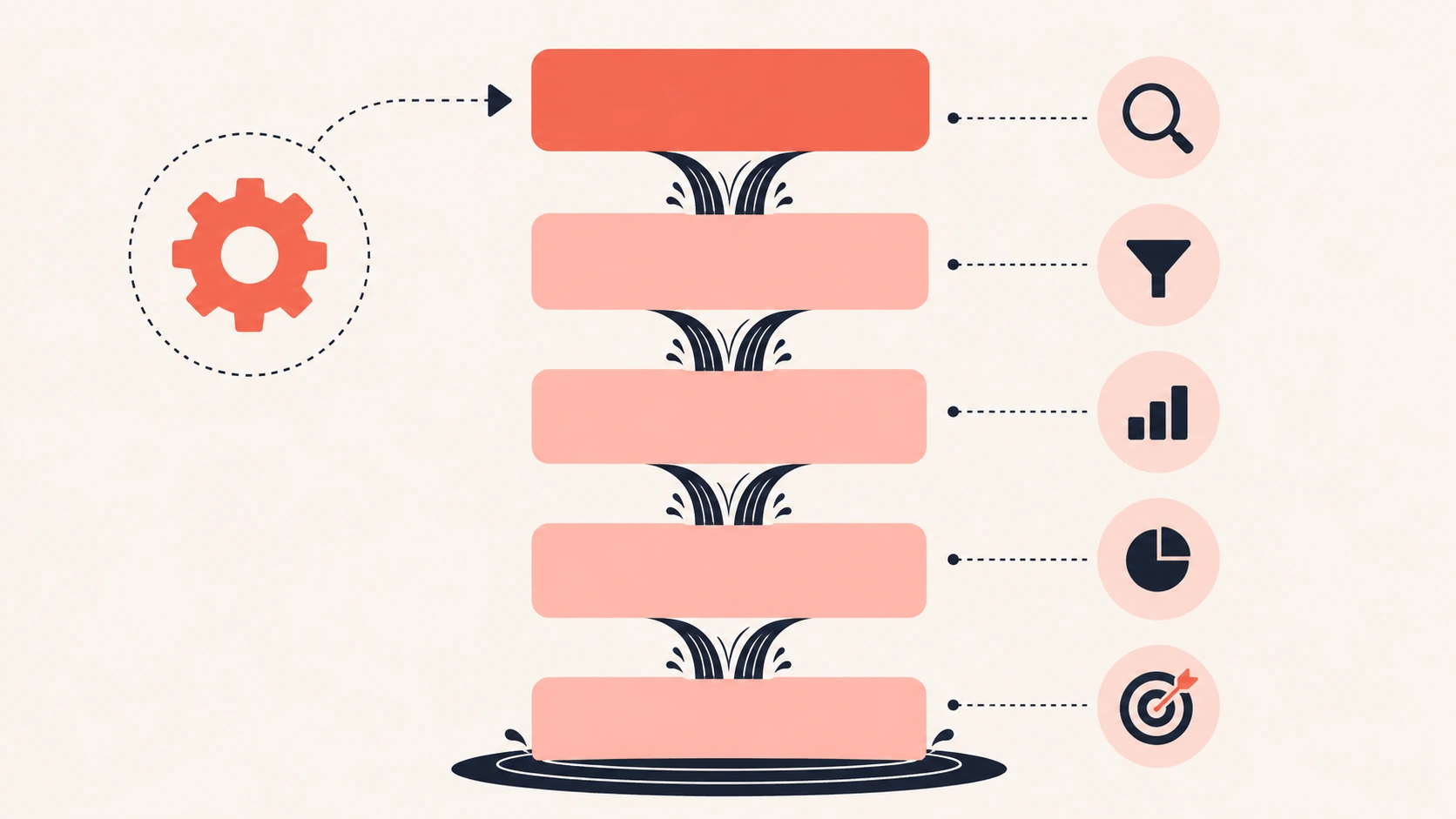
CRM data cleansing order in eight steps, from backup to prevention, with arrows showing how each step feeds the next
What you need before you start a CRM cleanup
Every CRM cleanup needs a backup, an owner, and a clear definition of good B2B data before anyone changes a field. Skip these and the cleanup can turn into an outage.
Get these in place first:
- A full export of contacts, companies, leads, and deals, saved outside the CRM.
- A test segment of 200 to 500 records to try each rule on.
- One named owner who signs off on merge and delete rules.
- An import freeze for the cleanup window, so new junk doesn't land mid-project.
- A separate export of your opt-outs and do-not-contact list.
- A one-page "good record" spec listing the fields your lead routing and reports depend on.
Write the good-record spec with sales and marketing in the room. If a field doesn't feed a workflow or a report, leave it out of scope.
How to clean CRM data in 8 steps
To clean CRM data, follow these 8 steps in order:
- Back up your data and freeze imports.
- Audit the fields that drive revenue.
- Standardize formats before you match.
- Merge duplicates using survivorship rules.
- Verify emails, phones, and job status.
- Enrich only the gaps that block a workflow.
- Archive or delete what you can't fix.
- Lock in the fixes with rules and a cadence.
Step 1: Back up your CRM data and freeze imports
Back up every CRM object you plan to touch before you change a single record. Store the files outside the CRM with the date in the file name.
HubSpot's guide to managing duplicate records states that merged records can't be reverted. Your export is the only undo.
Then pause list imports and any form syncs you can live without for the cleanup window. Tell the team the dates.
Step 2: Audit the CRM fields that drive revenue
Start with the CRM fields that feed routing, lead scoring, territories, and forecasts. Ignore the long tail of custom fields nobody reads.
Pull these numbers for your baseline:
Save these numbers. You'll use them to prove the cleanup worked, and a few of them make good monthly RevOps KPIs afterward. Compare against your own baseline, not an industry average. CRMs differ too much for outside benchmarks to mean much.
Step 3: Standardize CRM formats before you match
Standardizing CRM data means turning many versions of the same value into one. Do it before you dedupe, because matching rules compare text.
These fields cause the most missed matches:
My rule is to leave job titles alone. Keep what people call themselves, and add function and seniority fields for routing. You keep the detail and still get clean segments.
While you're there, turn free-text fields like Country and Industry into picklists. That stops the drift from coming back.
Step 4: Merge duplicate CRM records using survivorship rules
Merge duplicate CRM records in passes, from the safest match to the riskiest. Decide which values survive before anyone clicks merge.
Run the passes in this order:
- Exact email match on contacts and leads.
- Exact domain match on companies and accounts.
- Same company domain plus a similar name on contacts.
- Fuzzy matches, reviewed by a person.
Each CRM handles duplicates its own way. Salesforce uses matching rules to find likely duplicates. Its duplicate rules then decide whether to warn a rep or block the record.
HubSpot's duplicate tool compares contacts on name, email, phone, IP country, zip code, and company name. As of October 2026, HubSpot's Professional and Enterprise tiers include it. Bulk duplicate management needs Data Hub Professional or Enterprise.
Survivorship rules decide which value wins when two records merge. Adapt this starting set:
The opt-out row is the one to get right first. A merge that keeps the mailable copy and drops the opted-out one sends email to someone who asked you to stop.
Two duplicate CRM contacts merging into one record, with the surviving email, owner, and lead source marked
Step 5: Verify CRM emails, phones, and job status
Verify CRM contact data before you decide what to keep. A record with no recent activity may still be right, and a busy one may belong to someone who left.
People change jobs often. The BLS employee tenure report found the median US worker had been with their employer 4.1 years in January 2026. For workers aged 25 to 34, it was 3.0 years. That is why B2B data decays even when nobody touches it.
Check three things on each record:
- Does the email still accept mail? Email verification tools can check without sending anything.
- Does the phone number reach the person?
- Is the contact still at the company?
Job status is the check that keeps a B2B CRM useful. Track job changes so a contact who moves becomes a new lead at a new account instead of a dead record. If that contact backed one of your deals, champion tracking turns the move into a warm opening.
Step 6: Enrich only the CRM gaps that block a workflow
Enrich only the CRM fields your workflows need. The rule is the same for Salesforce data enrichment and HubSpot data enrichment: if no rule, report, or rep uses a field, don't pay to fill it.
These fields are worth enriching on most B2B CRMs:
- Firmographics like company domain, industry, and employee range, for routing and scoring.
- Country and state, for territories and data compliance.
- Job function and seniority, so you can build outreach sequences by persona.
- Direct dials or mobile numbers, for reps who call.
Set overwrite rules before you run a job. I'd never let enrichment overwrite a value a rep entered or confirmed in the last 30 days.
SMARTe has supplied B2B contact and company data since 2005 and sells CRM enrichment, so weigh this part with that in mind. SMARTe's CRM enrichment fills missing contact and company fields from a base of 285M+ contacts and 66M+ companies. It connects to Salesforce and HubSpot through native CRM integrations. SMARTe also flags contacts who change jobs.
SMARTe reports 90%+ match rates on CRM enrichment at scale. LeanIX, a SMARTe customer, says SMARTe "boosts our enrichment rate by 20% in some areas" compared with its other supplier. Match rates still depend on what you send in, which is why enrichment comes after steps 3 and 4.
If your CRM is clean through step 5 and you want to know which gaps SMARTe could fill, book a SMARTe demo. It's a no-commitment walkthrough built around your use case, so bring your audit numbers from step 2 and ask about the fields your routing depends on.
Step 7: Archive or delete CRM records you can't fix
Archive CRM records you can't verify or fix, and delete only what you have no reason to keep. Archiving gets old records out of reps' way without losing history.
Never delete these without a second look:
- Contacts who opted out. Add them to a suppression list first.
- Contacts or accounts tied to open deals.
- Current customers, even with stale fields.
- Records tied to closed-won revenue, which your attribution reports need.
If you delete someone who opted out, check that your email tool still blocks that address. If it doesn't, the next list import can bring them back as a fresh, mailable contact.
Privacy law points the same way. Under GDPR's accuracy principle, you must take "every reasonable step" to fix or erase inaccurate personal data. The ICO's guide to the accuracy principle explains the rule in plain terms. This isn't legal advice, so check your retention rules with counsel.
Step 8: Lock in CRM fixes with rules and a cadence
Lock in CRM fixes by changing how data enters the CRM. A clean CRM with no entry rules starts to drift the day you finish.
Put these guardrails in place:
- Validation rules that require key fields, like country, when a lead converts.
- Picklists instead of free text for country, state, and industry.
- Duplicate rules that block exact email matches and warn on fuzzy ones.
- One import template, with required columns, that every team uses.
- Real-time verification on forms and new records.
- A named owner for each object who reviews the audit numbers each month.
Fixing a record when it enters costs far less than fixing it after it has fed a bad route and a wrong forecast. That is the logic behind the 1-10-100 rule.
How often should you clean CRM data?
Clean CRM data in small, regular passes, with a full audit once a year. This schedule is a reasonable start:
Adjust it to your volume. A team that imports event lists every week needs the weekly checks more than a team with slow inbound.
Weekly, monthly, quarterly, and yearly CRM cleanup tasks shown as a simple calendar grid
Common CRM data cleansing mistakes
Watch for these five CRM data cleansing mistakes, each tied to the step that prevents it:
- Merging on name alone. A large company can easily have two Sam Lees, so match on email and domain first (step 4).
- Running bulk updates without testing them on your 200 to 500 record sample.
- Cleaning every field instead of the ones in your good-record spec.
- Treating the cleanup as a one-time project with no named owner (step 8).
- Letting enrichment overwrite what a rep typed yesterday (step 6).
Where I'd start this week
I'd start with the audit in step 2. Six numbers will tell you which step to fund first. If duplicates are the problem, write survivorship rules. If bounces are, verify before you do anything else.
My prediction: as more teams hand CRM work to AI agents, a dirty CRM gets more expensive. An agent will email a dead address or route on a stale title without stopping to check.
If enrichment is the step you're stuck on, test it on a sample of your CRM before you roll it out. Then look at SMARTe's pricing when you're ready to enrich at scale.